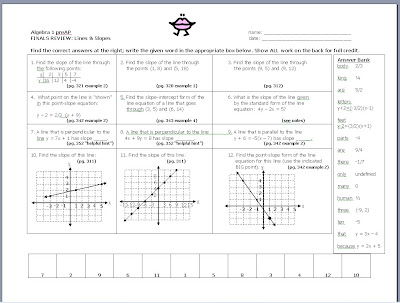
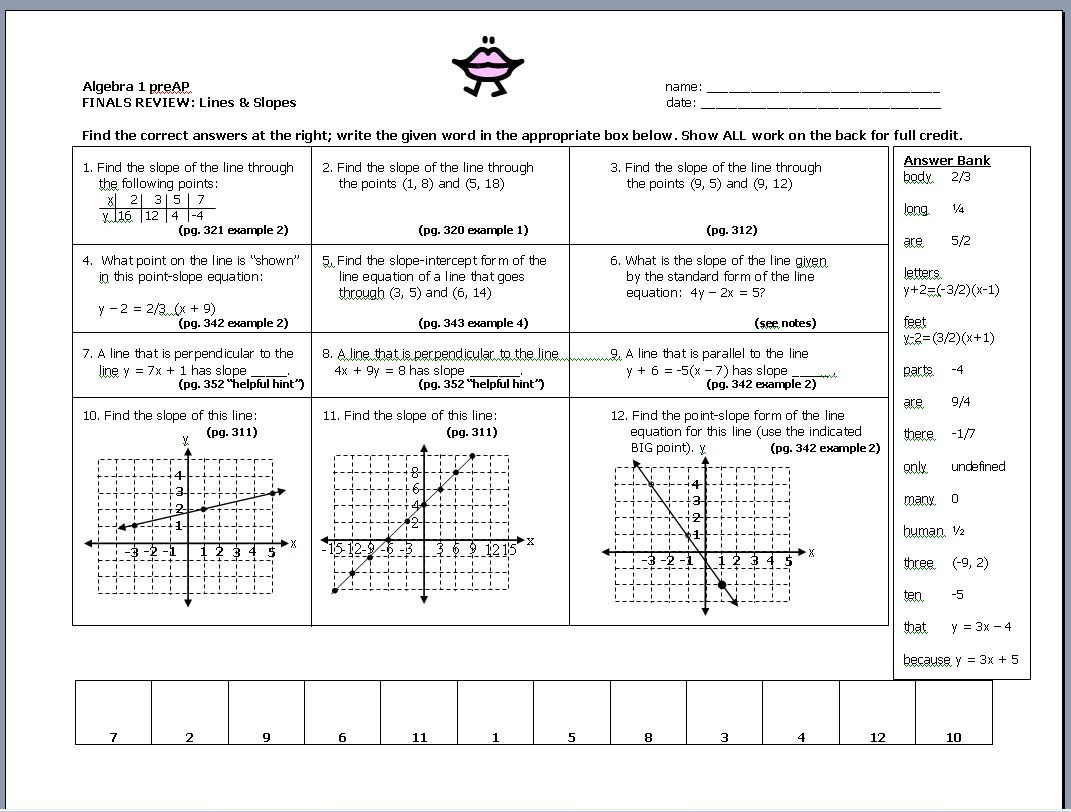
I'm having fun looking up all these crazy facts to use for my review sheets. It gives the kids maybe a wee bit more motivation to actually review. I'm also trying something new. For each question, I've referred them back to a helpful page in the book. Maybe that will cure the, "I didn't know how to do it" syndrome, and the "oh! I didn't THINK to look in my notes" malady.
Okay, first stop:
review of lines and slopes. Also, does ANYONE know how to stop there from being a 2nd page in a word document if you create a table at the bottom of the page. My version seems to want to start a new page, and I can't get rid of it. I remember I fixed it in the past, and I know I can browse and probably find the answer myself, but ....

This is awesome!
ReplyDeleteThank you .... and if you're using "Holt", then the page #s refer to them.
ReplyDeleteMs. Cookie (who should be writing a geometry final)
Go down until the cursor is on the line underneath the table, then change the font size to something really, really small. It should work.
ReplyDeleteMr. D .... you're a genius. It worked, and thank you.
ReplyDeleteMs. Cookie
Copy paste it all into Excel, where table formating and layout is much much easier.
ReplyDeleteI just shrink my bottom margin to a half inch or less and it leaves enough room below the table that stops there from being a second page.
ReplyDeleteI was always in search of such useful information you have shared in this blog. This will help me in my working.
ReplyDeleteMangalmay Group Of Institutions